install.packages("tidyverse")Software Prerequisites
To succeed in this course, you will need to write statistical programming code. You will need to install two pieces of free, open-source software.
Install statistical software: R
We will write code in the R programming language. R is available as open-source software at https://cran.r-project.org/. The first step to set up your computer is to install R.
Install the interface RStudio
We will work with R using an interface called RStudio, which makes it easy to write code and see results all in one place. You should install RStudio Desktop, which is available to download here: https://posit.co/download/rstudio-desktop/
Install the tidyverse package
Many R functions are made freely available in open-source packages that contain sets of functions designed to carry out common tasks. One package we will use often is the tidyverse, which contains functions to manipulate and visualize data. To install tidyverse, first open RStudio. Find the Console, which is a place where you can type code to immediately execute.
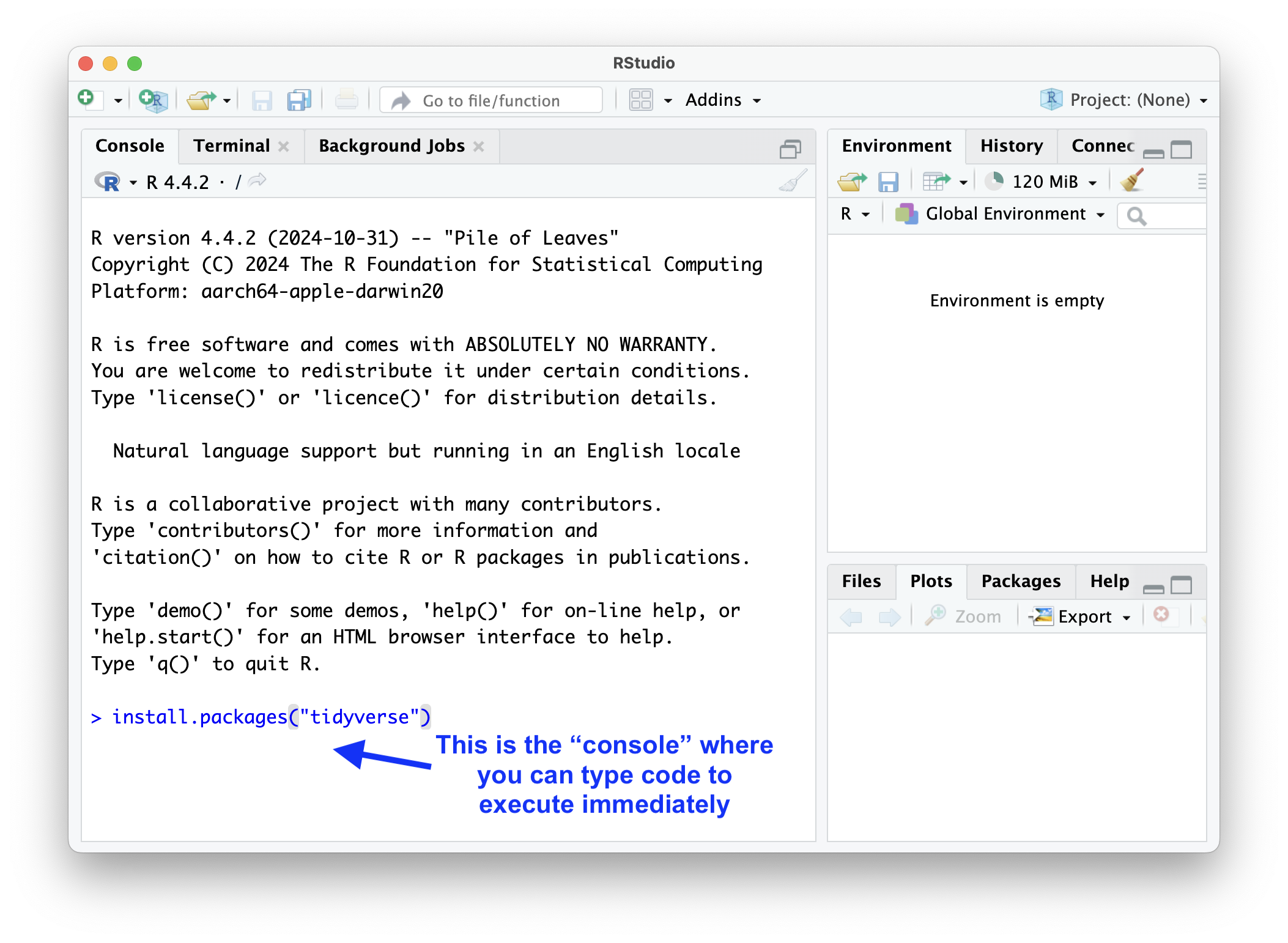
In the console type,
and press enter or return on your keyboard. This runs a line of code to install a set of software packages.
(Optional) Install tinytex to produce PDF reports
For some assignments and the project, you may want to produce a PDF report from RStudio. One way to do that is with LaTeX, which is software that typesets documents and which works well with RStudio. Some versions of LaTeX are large and difficult to install. If you have never used LaTeX on your computer, we recommend that you install as follows: paste the code below into your R console and press enter or return to install a minimal version of the software.
install.packages("tinytex")
tinytex::install_tinytex()
Students often find this step confusing, and computers present various errors. If you have an error, look on Piazza to see if anyone else has encountered your error. If not, then post a screenshot of your error on Piazza so we can help you to resolve the problem. For every assignment, it will also be possible to submit without compiling a PDF this way.
Support and guidance
Congratulations on preparing your computing environment!
Throughout the first part of the course, we will often use the online textbook R for Data Science by Hadley Wickham as a reference. The book will introduce how to work with data using R and RStudio. If you want additional guidance for setting up the software, see the Prerequisites section of R4DS. To learn more about RStudio, visit the RStudio User Guide.